

Guides
Themes and templates
Presets, a theme from your brand color, or your company template, and how to set one for every file.
A theme sets a document’s palette, heading and body fonts, chart and table colors, and how the ready-made layouts look (title weight, corner radius, muted text). Choose one when the document is created: by name, from a brand color, or from your company template.
Presets
Section titled “Presets”| Preset | Looks like | Good for |
|---|---|---|
spruce |
Deep green with mint and amber, Aptos | Product reviews, internal updates |
ledger |
Oxblood and ochre on warm paper, Georgia headings | Finance, board packs, legal |
studio |
Dark slides, persimmon accent, bold type | Launches, pitches, keynotes |
coast |
Sea blue and sand, Aptos | Research, operations and customer reports |
classic |
Blue accent, Calibri | The default when no theme is chosen |
The same slide in each, as PowerPoint shows it:
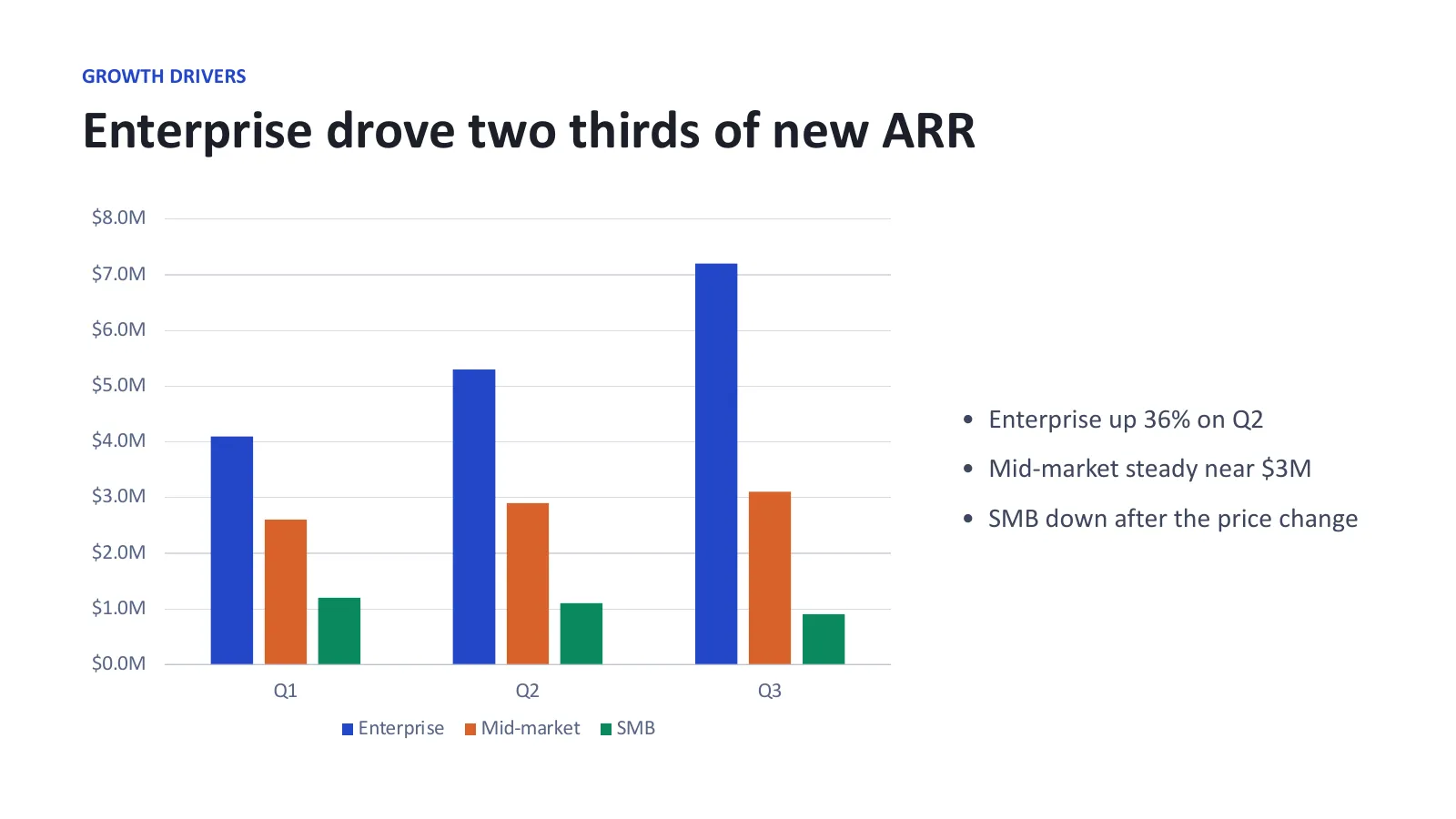
classic · Neutral and familiar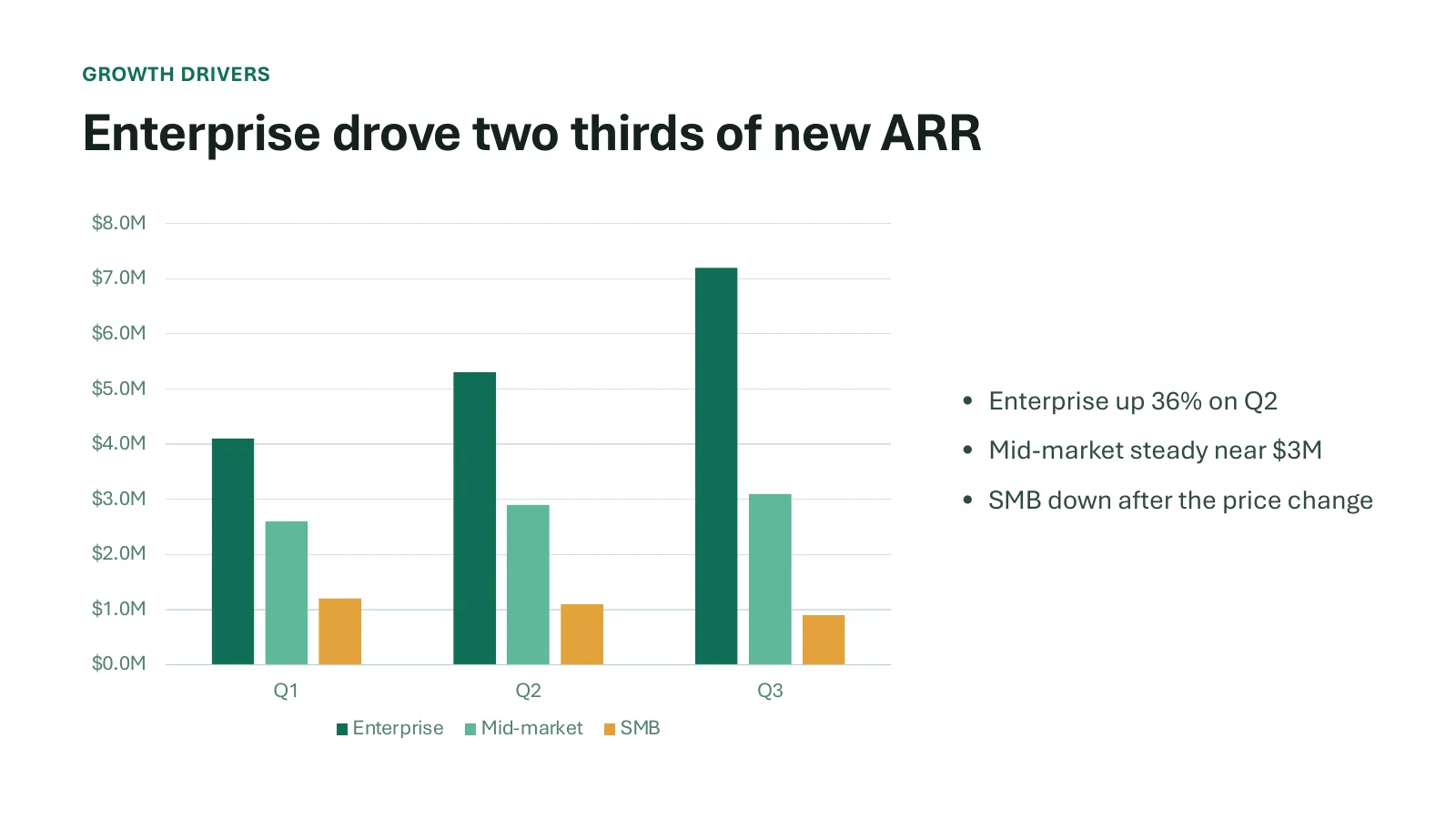
spruce · Calm and modern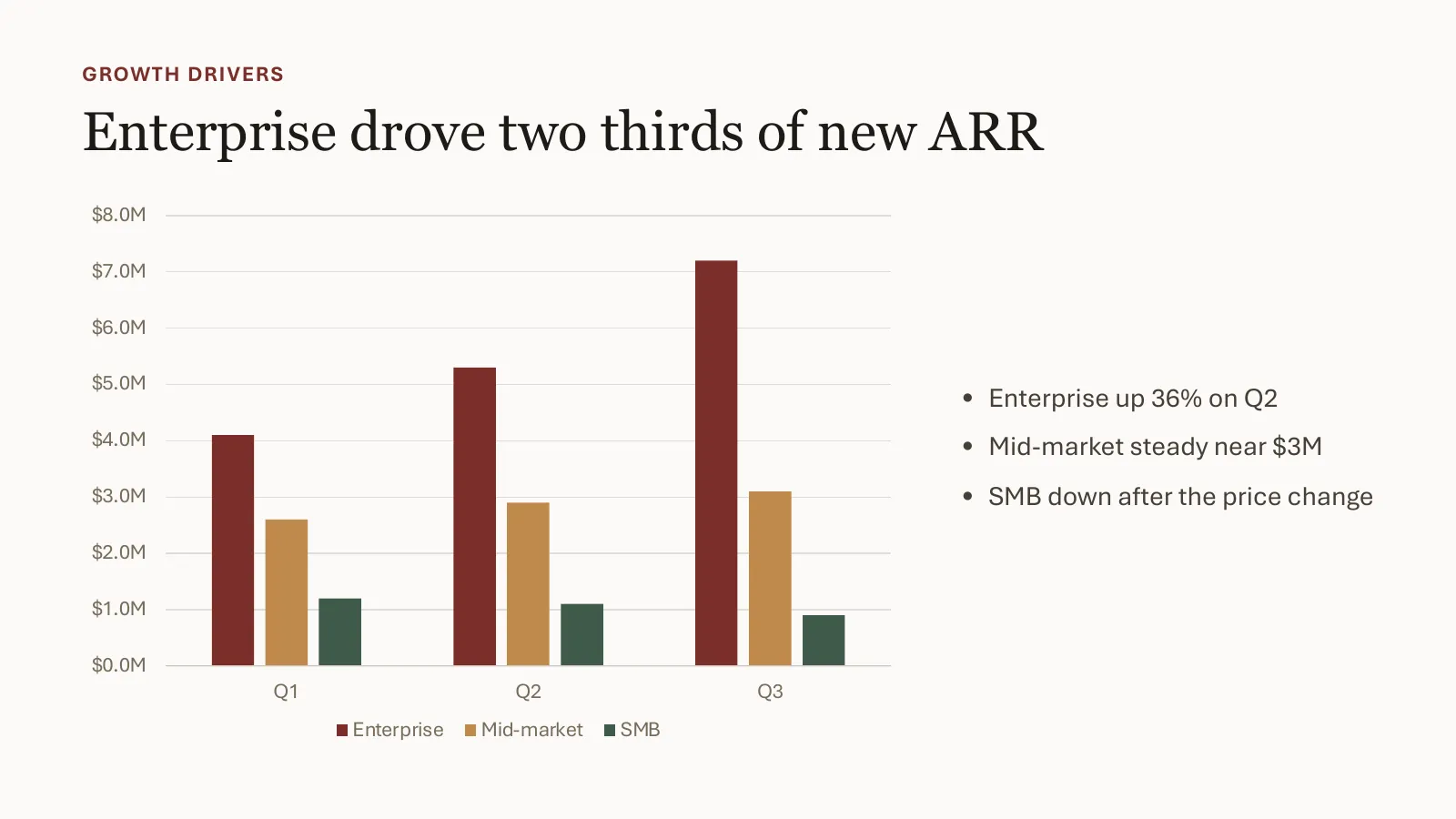
ledger · Finance and board packs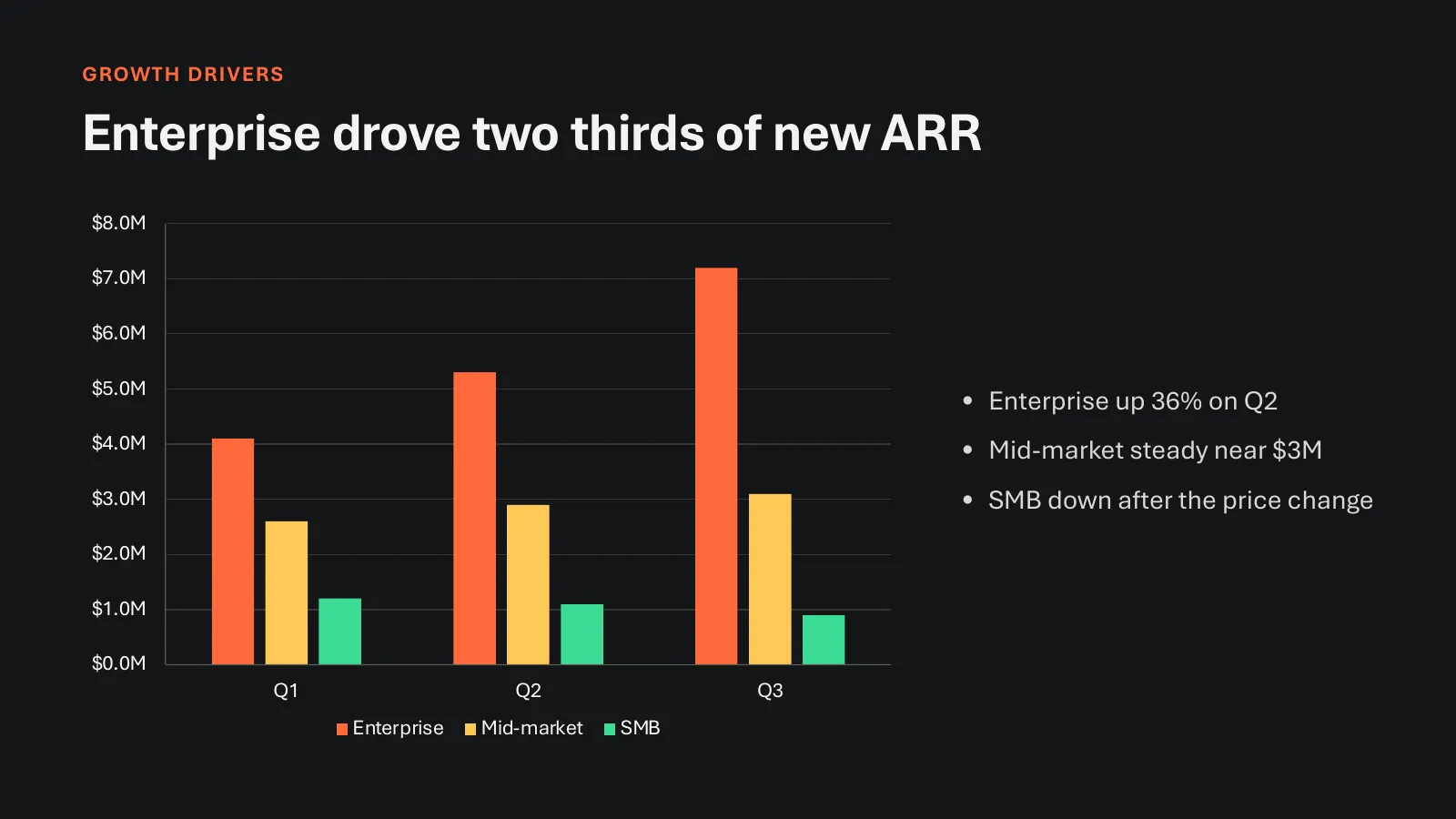
studio · Dark, for launches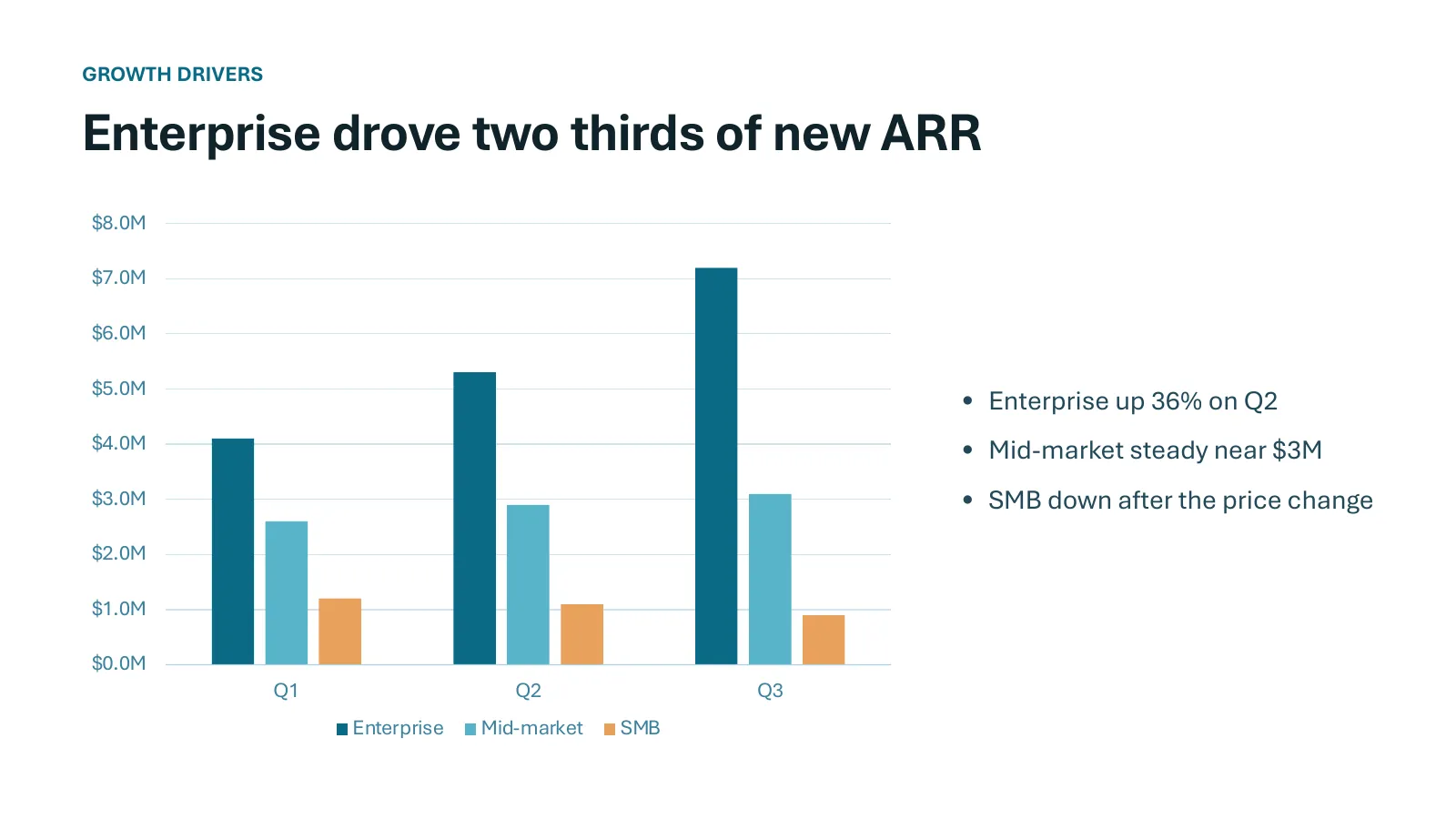
coast · Research and operations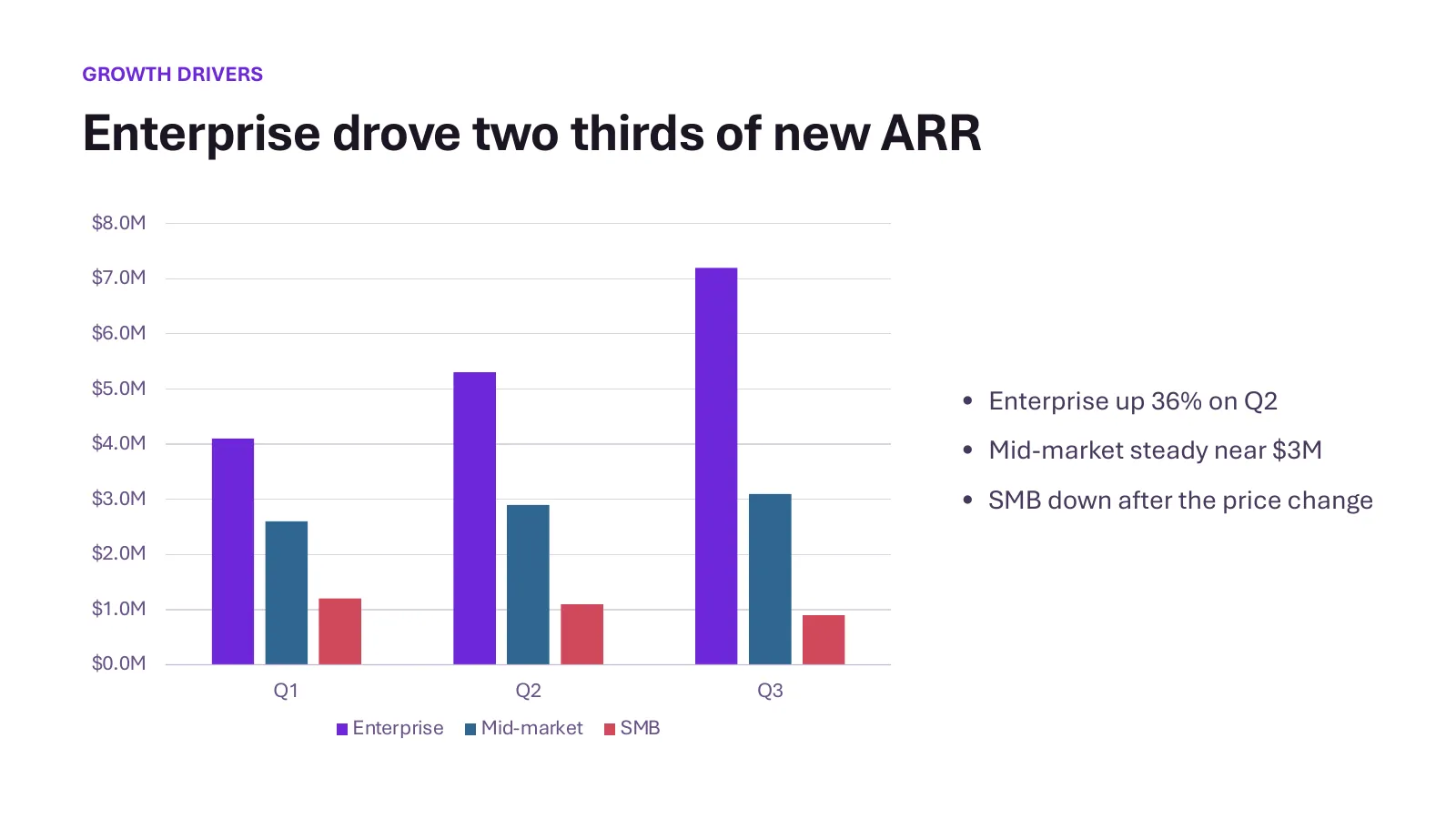
{ brand: "#6D28D9" } · Made from one colorThe fonts ship with Microsoft 365 (Aptos) or the operating system (Georgia, Calibri), so files look the same wherever
they open. studio makes slides light-on-dark; in a workbook, cells stay light and only its accents carry over.
import { Presentation, Workbook } from "artiwright";
const deck = Presentation.create({ theme: "ledger" });const book = Workbook.create({ theme: "ledger" });
A theme from your brand colors
Section titled “A theme from your brand colors”import { Presentation, defineTheme } from "artiwright";
const acme = defineTheme({ brand: "#0B5FFF", name: "Acme" });const deck = Presentation.create({ theme: acme });defineTheme builds the full theme from your brand’s colors. Give the main color, and any others you have by role;
it derives the rest:
| Option | What it’s for | When you leave it out |
|---|---|---|
brand |
The main color: fills, bars, the first chart series | Required |
accent |
A second brand color | Derived |
palette |
More brand colors, for the next chart series | A calm palette of distinct colors, clear of your brand’s hue |
text |
Body and heading text | A near-black tinted toward the brand |
background |
The slide background | White |
surface |
Cards and panels | A faint tint of the background |
good, bad |
Rising and falling numbers | Green and red |
fonts |
{ heading, body } |
Aptos Display and Aptos |
dark |
Light text on dark slides | Light slides |
name, radius |
The theme’s name, and the corner radius of cards in pixels | “Custom”, 12 |
Your colors stay exact wherever they fill a shape. Where a color is used for text, the theme picks a shade that reads at
4.5:1 contrast or better. A light brand color gets a darker shade for text, like the label above a title or a big
number. Text on a brand-colored panel turns dark when white wouldn’t read. Changing a color later with
deck.theme.set({ colors: { … } }) updates those shades too.
const brand = defineTheme({ name: "Acme", brand: "#FF385C", accent: "#00A699", text: "#222222", good: "#008A05", bad: "#C13515",});Your company template
Section titled “Your company template”Start from your company’s .potx, or any deck in your house style. The deck keeps its masters, layouts, fonts and
colors, and new slides use the template’s own layouts.
const deck = await Presentation.fromTemplate("brand.potx");deck.slides.add({ layout: "title-and-content", title: "Q3 update" });The agent calls artiwright_open with the template and template: true. In an AI app, attach the file or give
its full path: “Use /Users/you/brand.potx and make a two-slide update.”
Set a theme for every file
Section titled “Set a theme for every file”If your app embeds Artiwright, set the theme once in configuration. Every new deck and workbook starts in it, so users never have to ask.
documents = artiwright_agent(root="/srv/artiwright-sessions", model=MODEL, theme="/srv/brand/acme.potx")tools = await get_tools(root="/srv/artiwright", session=thread_id, theme={"brand": "#0B5FFF"})Tools are created per thread, so each customer’s threads can use their own theme.
import { serveHttp } from "artiwright/mcp";
const brands = { acme: "ledger", globex: "/srv/brands/globex.potx" };await serveHttp({ root: "/srv/artiwright", theme: (session) => brands[session.split("-")[0]] });
A function gets the session’s name, so each customer’s sessions can use their own theme. See Node.js.
npx -y artiwright@latest mcp --root ./sessions --theme ledger--theme takes a preset, a template path, or a brand color as JSON: --theme '{"brand":"#0B5FFF"}'.
A theme can be a preset name, a brand color ({"brand": "#…"}), or a template path. A deck template also gives
workbooks its colors and fonts, and a workbook template does the same for decks.
Which theme wins
Section titled “Which theme wins”- A file the user attaches keeps its own look.
- The theme your app set.
- A theme the user asks for (“use the ledger theme”): the agent passes it when it creates the document.
- Otherwise the agent picks a preset that suits the request, or leaves the classic look.
artiwright_status reports each document’s theme and the one the app set.